Explore Download Sign in Create account

Message and call across countries.

Message and call across countries. AI interprets instantly.

  • International calls with live interpretation
  • AI writes content for you
  • Messages translated in place, no language barrier

Web, Mac, Windows, Linux and Android. iOS coming soon.

Orova Chat showing AI message writing and a call with live interpretation

Follow the conversation

Lost in the chat?

Read the translation right under the original in the same message bubble. Turn on auto-translate for a chat or by default, or translate a message from its menu.

JapaneseEnglishSpanishVietnameseKoreanFrenchPortugueseIndonesian
Today
Y
週末、渋谷でコーヒー飲まない?Want to have coffee in Shibuya this weekend?10:02
I'd love to! Saturday works for me.10:03
Y
土曜午後2時、渋谷のカフェはどう?How about a Shibuya cafe, Saturday at 2 pm?10:04
Perfect! See you there at 2.10:05
Y
会えるのが楽しみ!ケーキも食べたいな。Can't wait to see you! I want cake, too.10:06
Now that's a plan! Cake it is 😊10:07

Closer across borders

A catch-up shouldn't need a script

Call friends abroad by voice or video, just you and a friend or the whole group. Let AI read translations aloud as you talk, with the original audio lowered while it speaks.

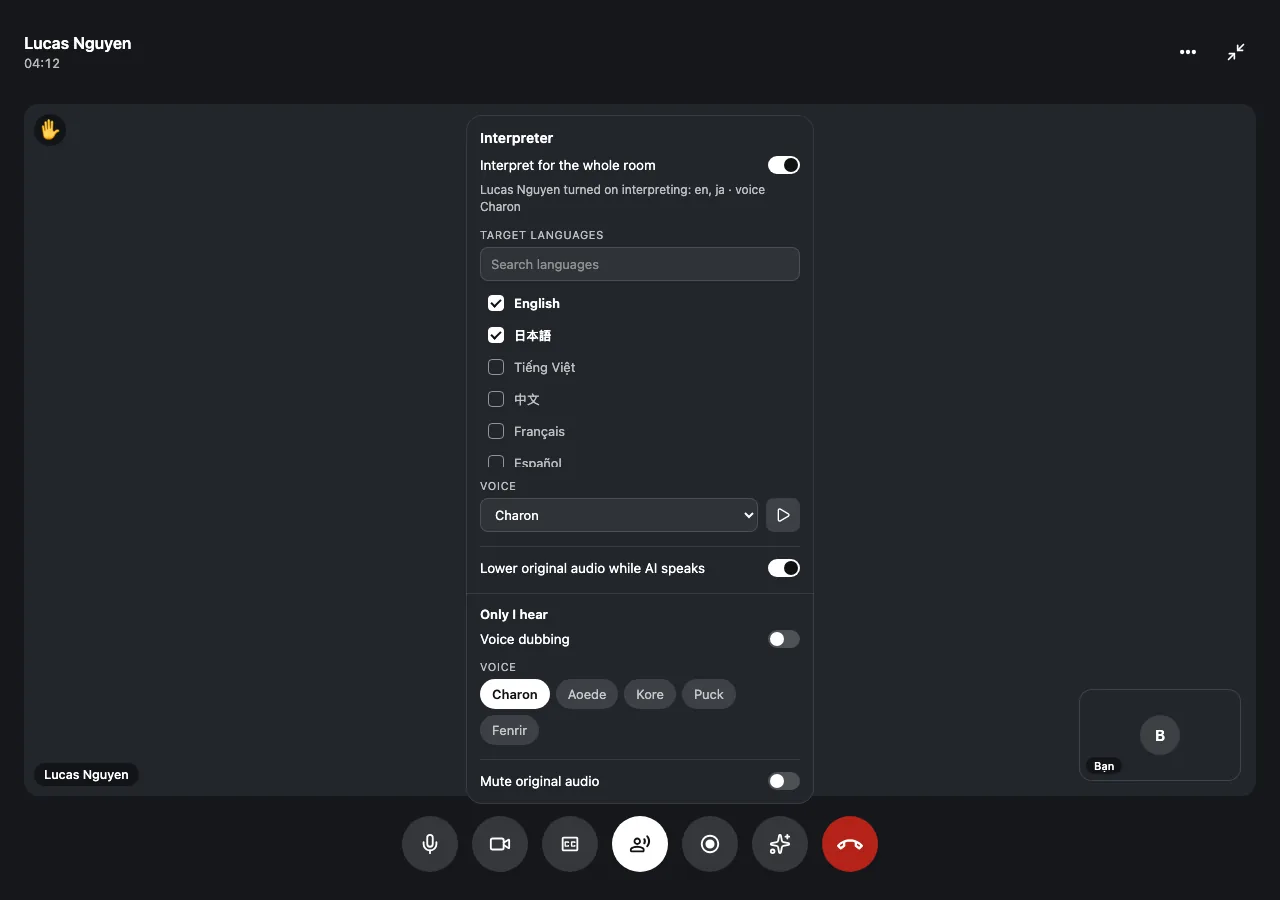
Choose the interpreter's voice and languages
週末、何しよう? What shall we do this weekend?
  • Choose the interpreter's voice and languages
  • Follow live captions in your language
  • Turn on dubbing only you hear

Your thought, with a little help

Got the idea, need the words?

Type your draft and press Enter for an AI rewrite in your chosen style or the other person's language. Preview it, then press Enter again to send.

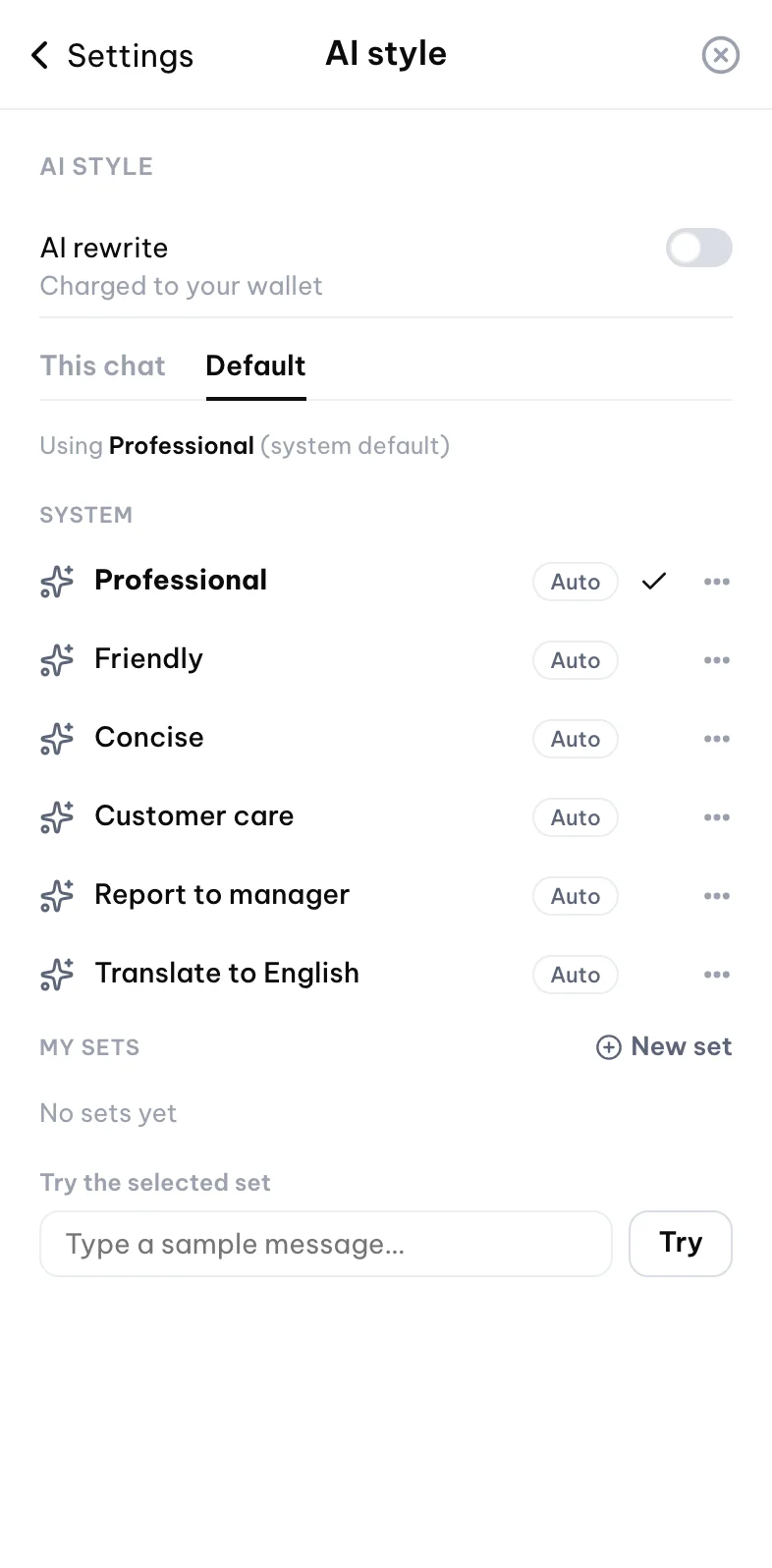
ProfessionalFriendlyConciseTranslate to EnglishCustom
Today
S
I'm here! Grabbed us a table.10:02
S
You close?10:03
AI version · Friendly
Hey, sorry I'm running late! Can we meet a bit later?
Send AI versionSend original
ProfessionalFriendlyConciseTranslate to EnglishCustom
hey sorry running late can we meet a bit later

Bring your personality

Words aren't always enough

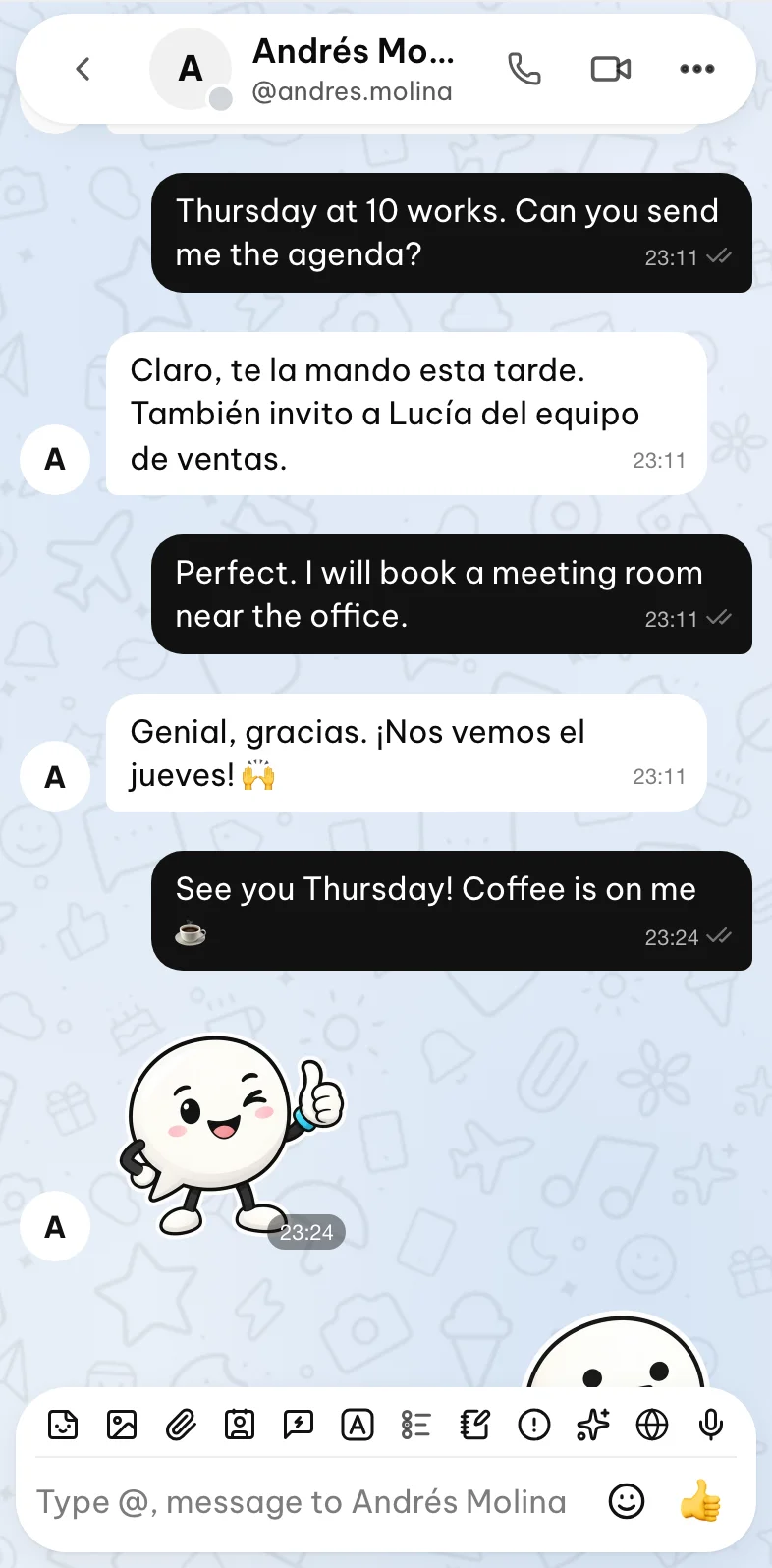
Send a voice message, pick Orova stickers or make your own packs. Set the mood with themes and wallpapers, then get the group together with a poll.
From desk to sofa

Switch screens, keep your people

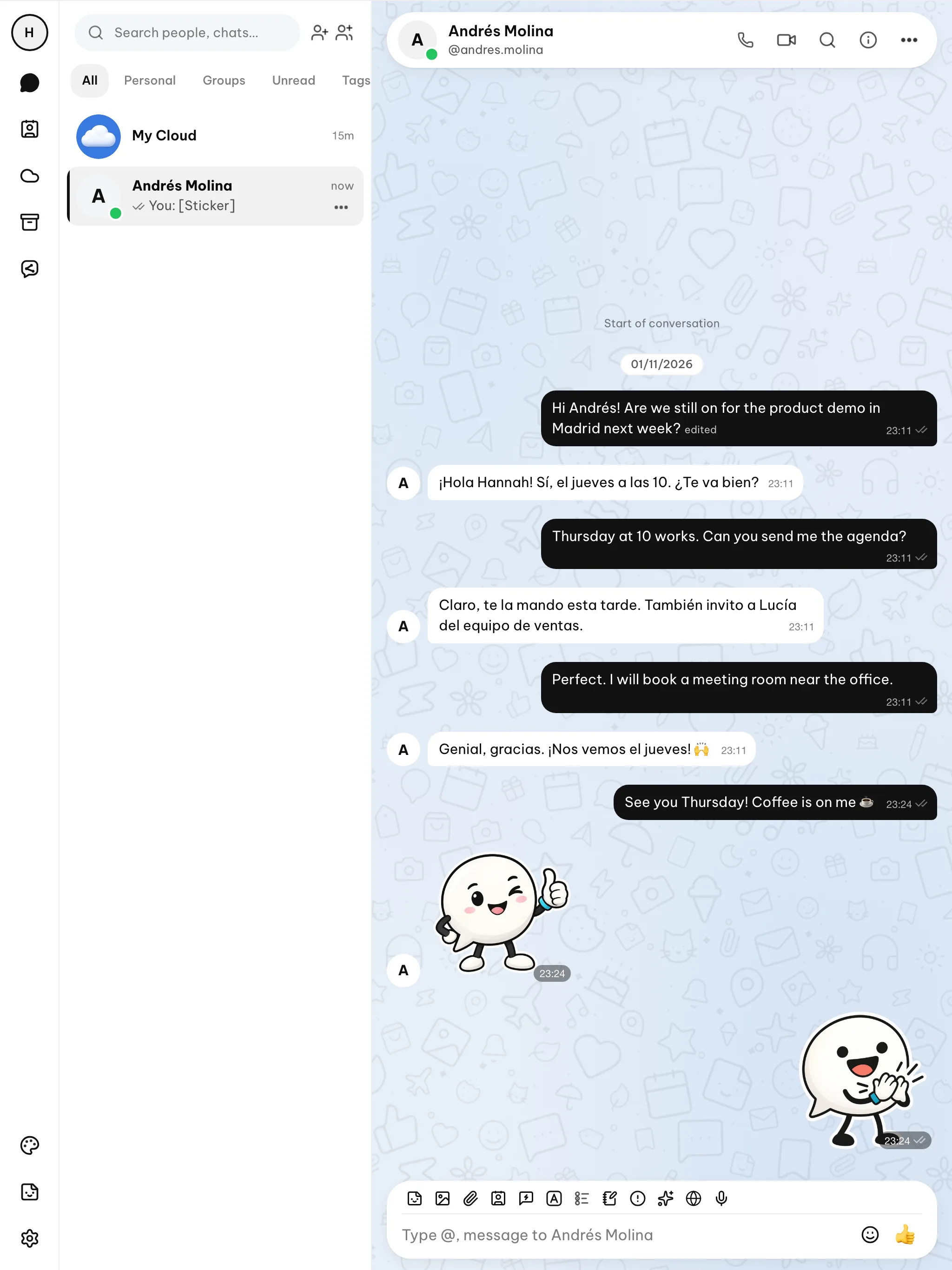
Chat in your browser or desktop app, on your phone or tablet. Moving phones takes a QR scan or a six-digit code from your old device to bring photos and files over.

macOS
Windows
Linux
Android
iOS
Web

Make yourself comfortable

Too many unwanted hellos?

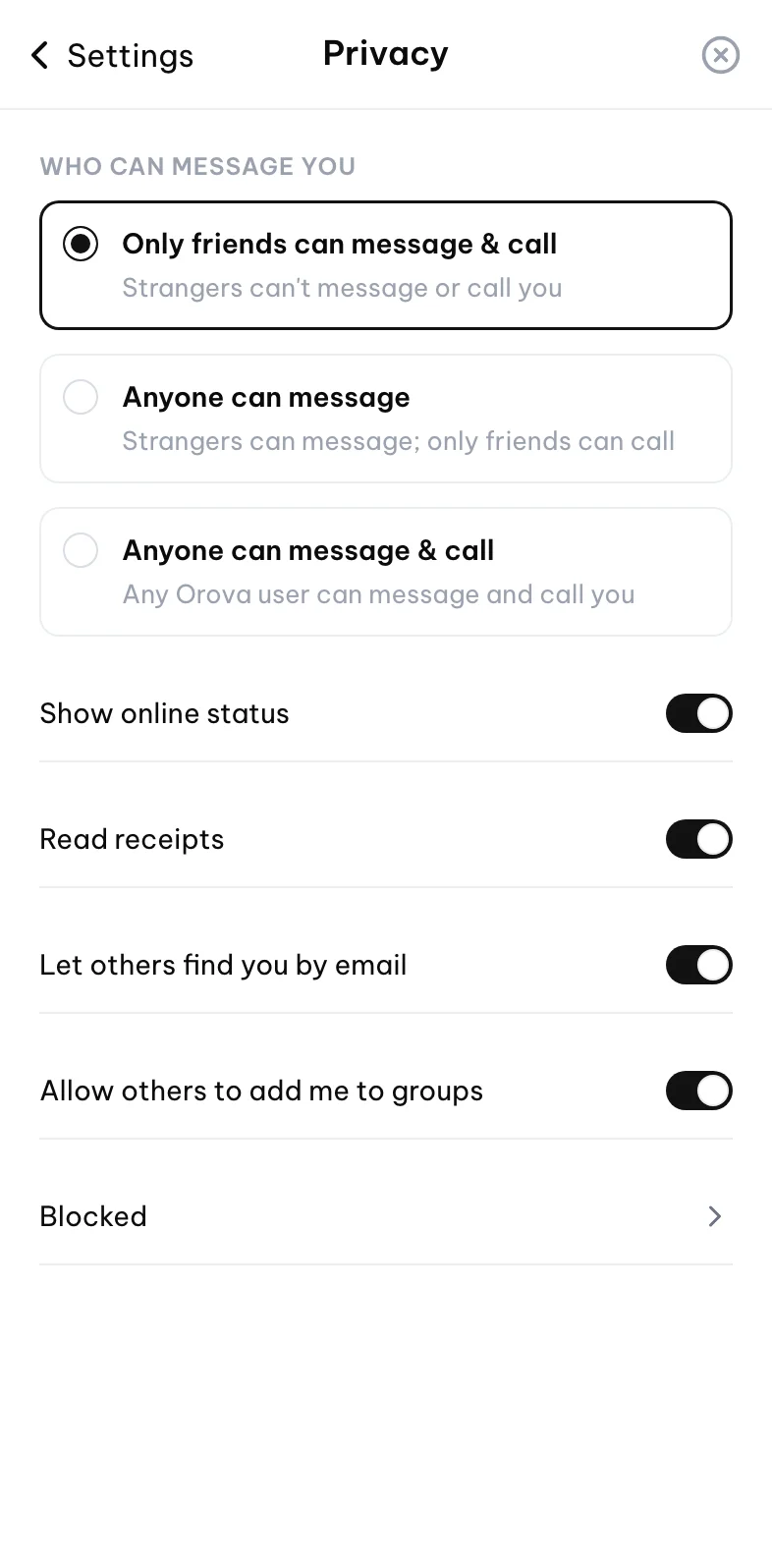
Only friends you've accepted can message or call you by default. Choose who can reach you and how much they see.

  • Hide your online status and email
  • Turn off read receipts and stop group adds
  • Block people or report abuse for review

Ready to get talking?

Download the app or join from your browser.

Orova Chat 1.0.1

Recommended for you Mac with Apple chip .dmg · 95.4 MB Download
Recommended for you Mac with Intel chip .dmg · 102.3 MB Download
Recommended for you Windows .exe · 77.4 MB Download
Recommended for you Linux AppImage .AppImage · 103.0 MB Download
Recommended for you Linux .deb .deb · 71.5 MB Download
Recommended for you Android APK .apk · 137.2 MB Download
Recommended for you Google Play Coming soon
Recommended for you App Store Coming soon
Use the web appWeb Open in browser

FAQ

Questions, answered

Is Orova Chat free to download?
Yes, downloading, signing up, messaging and regular voice and video calls are free. AI features are pay-as-you-go from a wallet you top up.
Which languages can I use?
The app interface is available in many languages. Check the language choices for each AI feature to see what's available for your conversation.
How does call interpretation work?
Someone on the call turns on the AI interpreter and chooses the languages and voice, then it reads translations aloud while lowering the original audio. AI interpretation is charged to that person's wallet as they use it.
Is my data private?
Chat photos, videos and files stay on your device; the server holds them temporarily for delivery, then deletes them. Text messages sync through the server, while files you put in My Cloud stay online across devices.
Can I use it on my computer and phone?
Yes, use the web app on your computer, phone or tablet, or get the desktop app for Mac, Windows or Linux and the Android APK. Google Play and the iOS App Store are coming soon.
How do I move to a new phone?
Keep Orova open on your old device, then scan its QR code or enter its six-digit code on your new phone. This brings your photos and files over from the old device.

Someone far away on your mind?

Give that conversation a place to start.